- Install
- Basic operation
- Basics of programming for electronic work
- Basics of programming for Excel
- Machine learning with scikit-learn
- Visualizing data with matplotlib
- Web programming
- RPA programming
- Miscellaneous programming
- Reference
- "Basic" group
- ”Basic I/O" group
- ”PWM Output" group
- "Servo Motor" group
- ”Motor" group
- ”Display" group
- "Raspberry Pi 500+" group
- "Arduino UNO Q" group
- Overview
- Usage of each block
- ”LCD" group
- "NeoPixel" group
- ”OLED" group
- ”Sensor" group
- "Micro controller" group
- "Excel" group
- "scikit-learn" group
- "matplotlib" group
- "Web" group
- "File" group
- "Image" group
- "Turtle" group
- "Speech" group
Usage of each block
Initializing the LED Matrix and RGB LEDs

Initialize the onboard LED matrix and RGB LEDs of the Arduino UNO Q, making them controllable with blocks.
Displaying a Bitmap
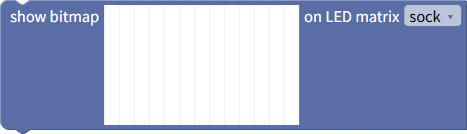
Display a bitmap on the onboard LED matrix of the Arduino UNO Q.
Clicking on the bitmap will enable/disable the on/off setting for each pixel.
A darker color indicates an on state, and white indicates an off state.
Displaying a Grayscale Bitmap
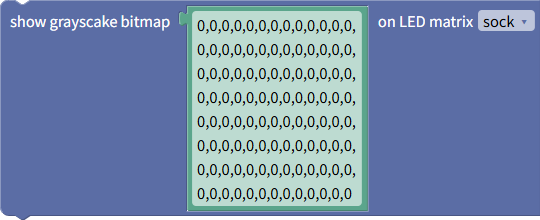
Display a grayscale bitmap on the onboard LED matrix of the Arduino UNO Q.
The LEDs are arranged in an 8x13 grid. The brightness of each LED is represented by a number from 0 (off) to 7 (on), and these numbers are specified as a comma-separated string.
Alternatively, instead of a string, you can use a list with 104 (8x13) elements, assigning a number from 0 to 7 to each element, and then specify that list.
Scroll Text Display

Display alphanumeric characters in a scrolling manner on the onboard LED matrix.
Specify the string to be displayed, font size, scroll direction, and speed.
The speed is specified as the time (in milliseconds) it takes to scroll one column.
Note that if it takes more than 10 seconds to scroll the string, a timeout error will occur on the Arduino UNO Q.
In that case, increase the value of the timeout parameter to prevent a timeout.
Clear LED Matrix

Clears the LED matrix.
Turn on RGB LEDs

Turns on the four onboard RGB LEDs.
Specify the LED number and the color to light up.